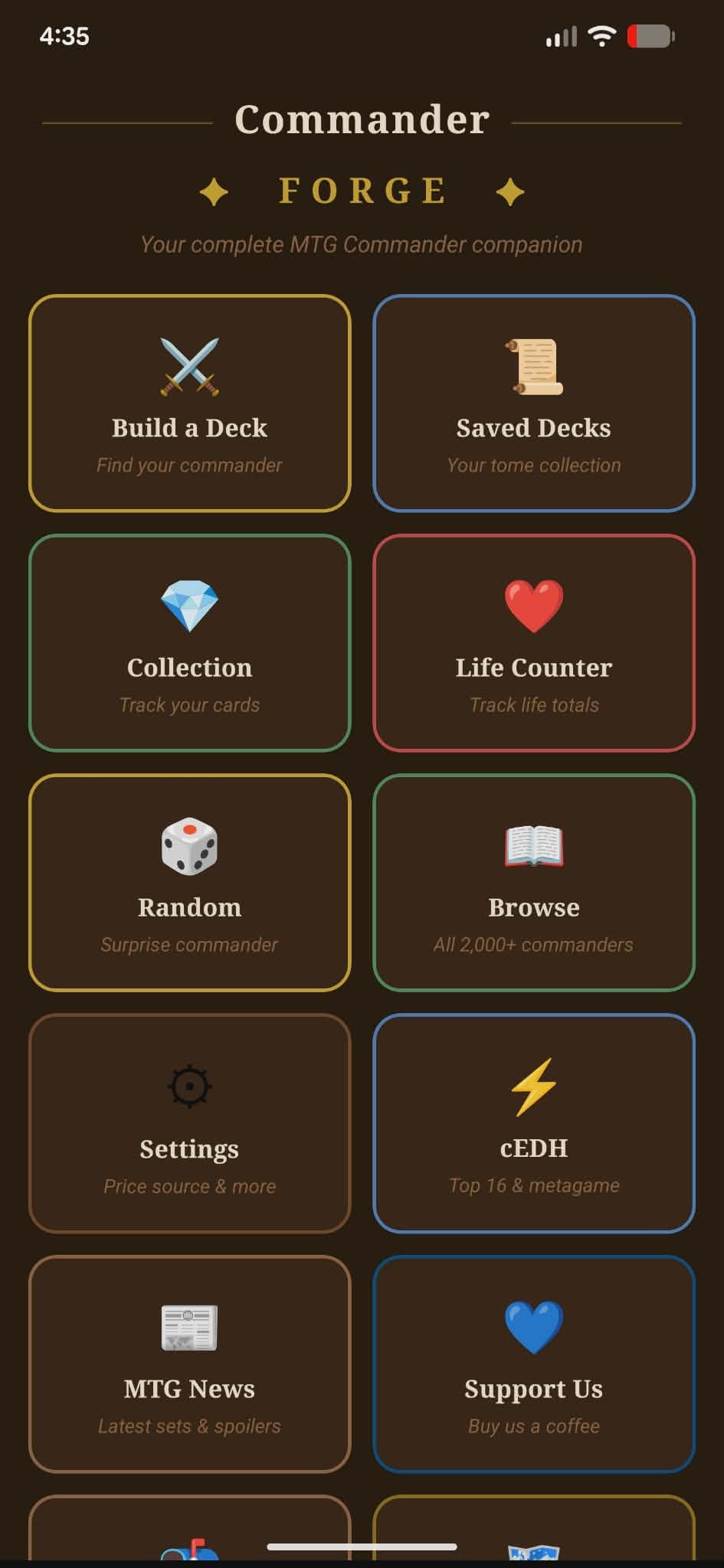
I'm a Magic: The Gathering player. If you know, you know — Commander is the format where you build a 100-card deck around a legendary creature, and then sit down with three other people and have a two-hour game that somehow ends with everyone either laughing or slightly angry. It's great.
The problem is keeping track of everything. Deck lists, card prices, collection inventory, what cards you own versus what you still need — it's a lot to manage, especially when you're juggling multiple decks at once. I wanted a tool that handled all of it in one place, and I couldn't find one that worked the way I wanted. So I built one.
What Commander Forge Actually Is
Commander Forge is a MTG Commander hub — an app and website where you can build decks, track your collection, and share your lists with other players. The core idea is simple: one place to do everything you need to do around your Commander collection without bouncing between five different sites and a spreadsheet.
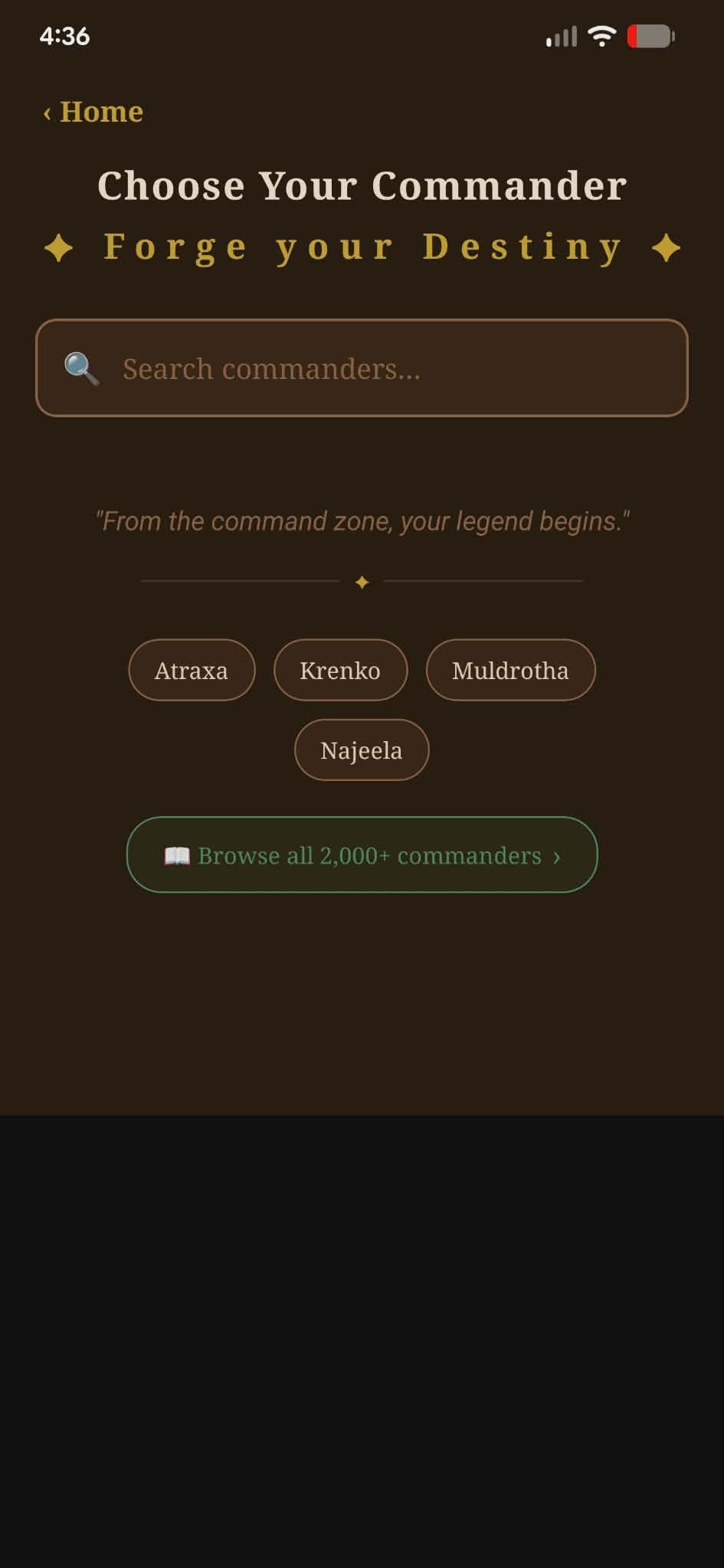
It started as a desktop/mobile app, something I was building just for myself and maybe a few friends. But the more I worked on it, the more it made sense to also build a full web version — so you can edit your decks at home on a big screen, then check your collection on your phone at the game store. Both sides pull from the same data, same account, same deck lists.
"This started as something I wanted to build for fun. Then I realized the things I had to learn to build it were actually teaching me a lot — and that the project was becoming something real."
The Database Problem
One of the first big technical challenges was card data. Magic has over 25,000 unique cards across 30+ years of sets. The best free source for that data is Scryfall, which has an excellent public API. But hitting a third-party API for every single card lookup — especially in a deck builder where you're searching constantly — is slow and unreliable.
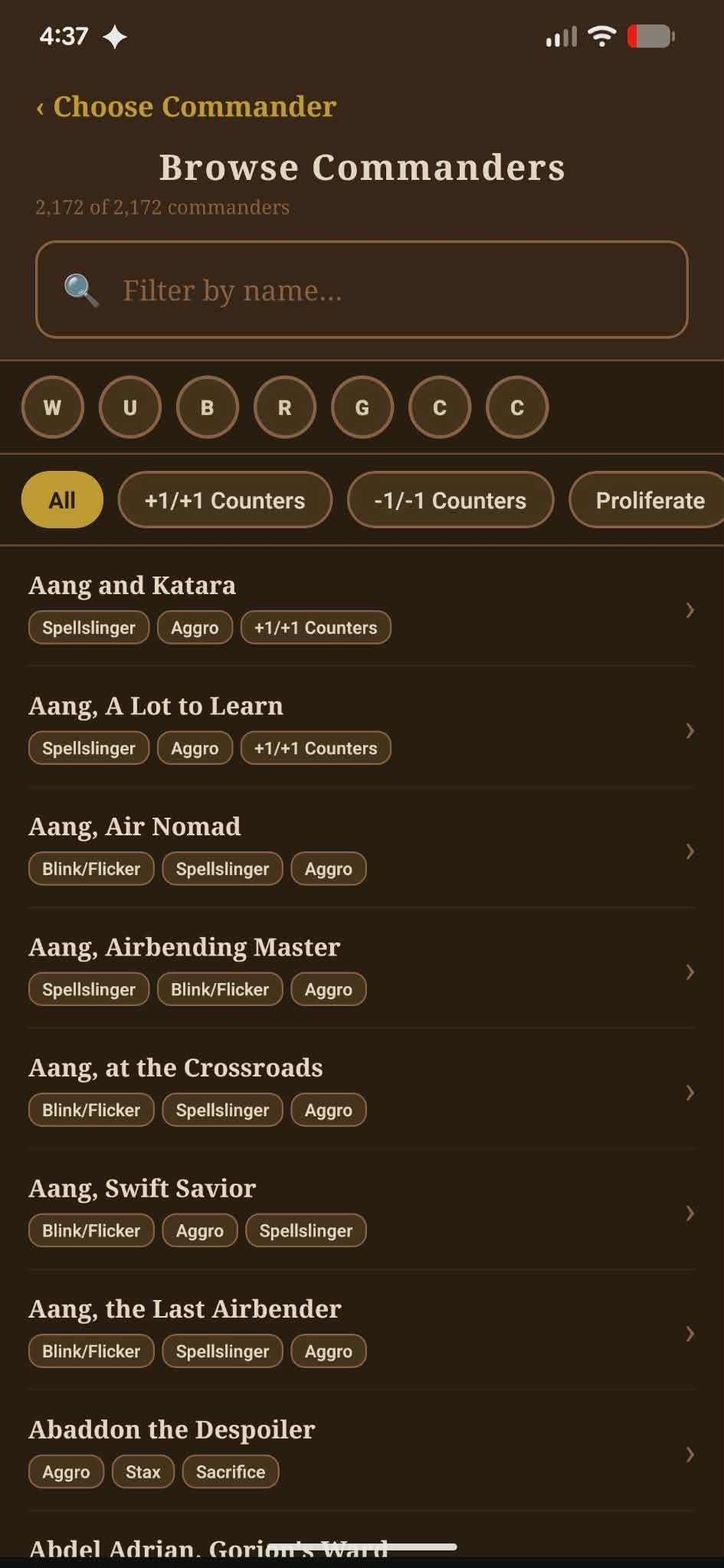
So I did the thing that felt a little crazy at the time: I downloaded Scryfall's entire card database and loaded it onto my own server. Now Commander Forge runs its card lookups locally, against data I control. Searches are fast, results are instant, and I'm not dependent on Scryfall's uptime for my app to work. It took some serious work to set up the sync process and get the database structured the way I needed it, but it was worth it.
This is also where building my own hardware really paid off. I own the server this runs on — same setup I use for client websites through WebSmithsCS. Having that control meant I could store a large dataset, set up the database the way I wanted, and not worry about cloud storage costs or usage limits.
What's Working Right Now
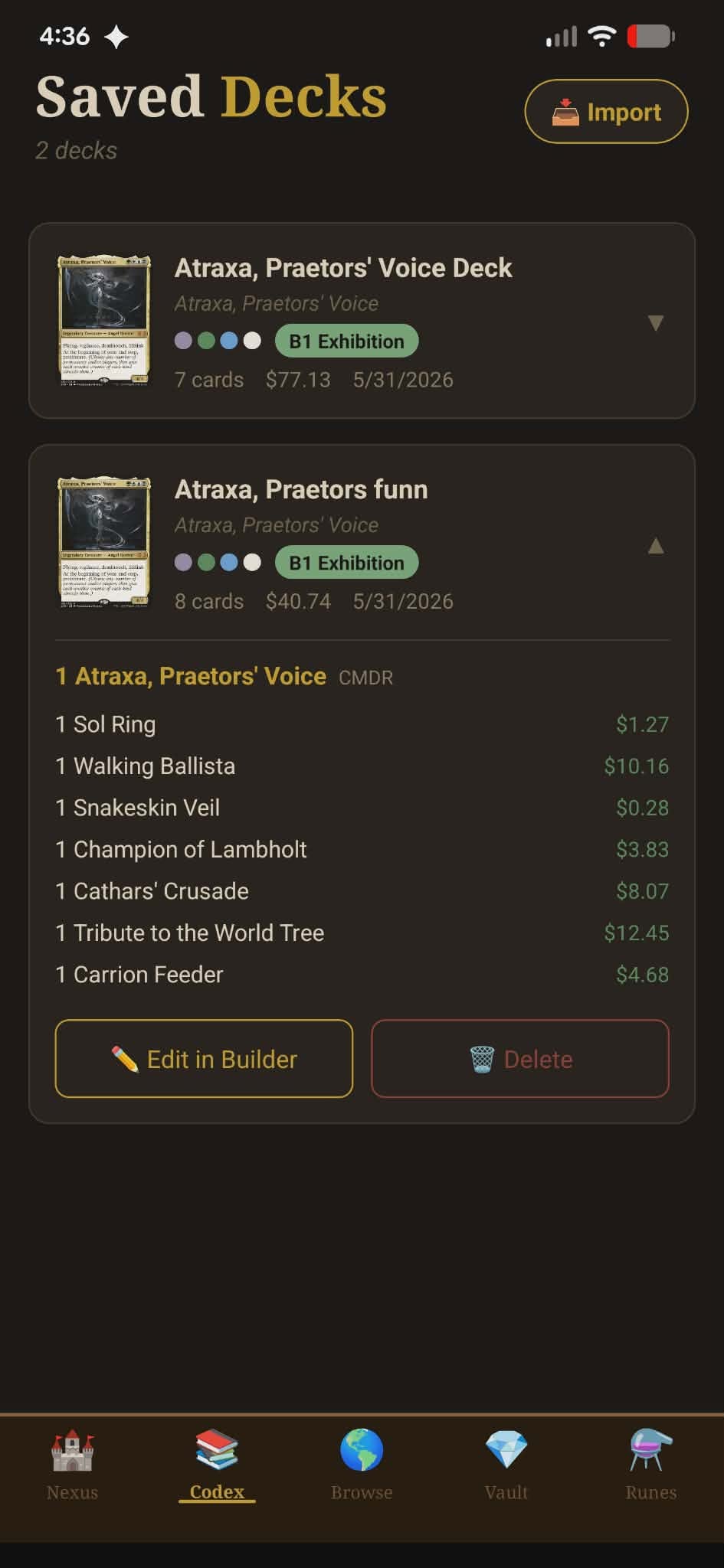
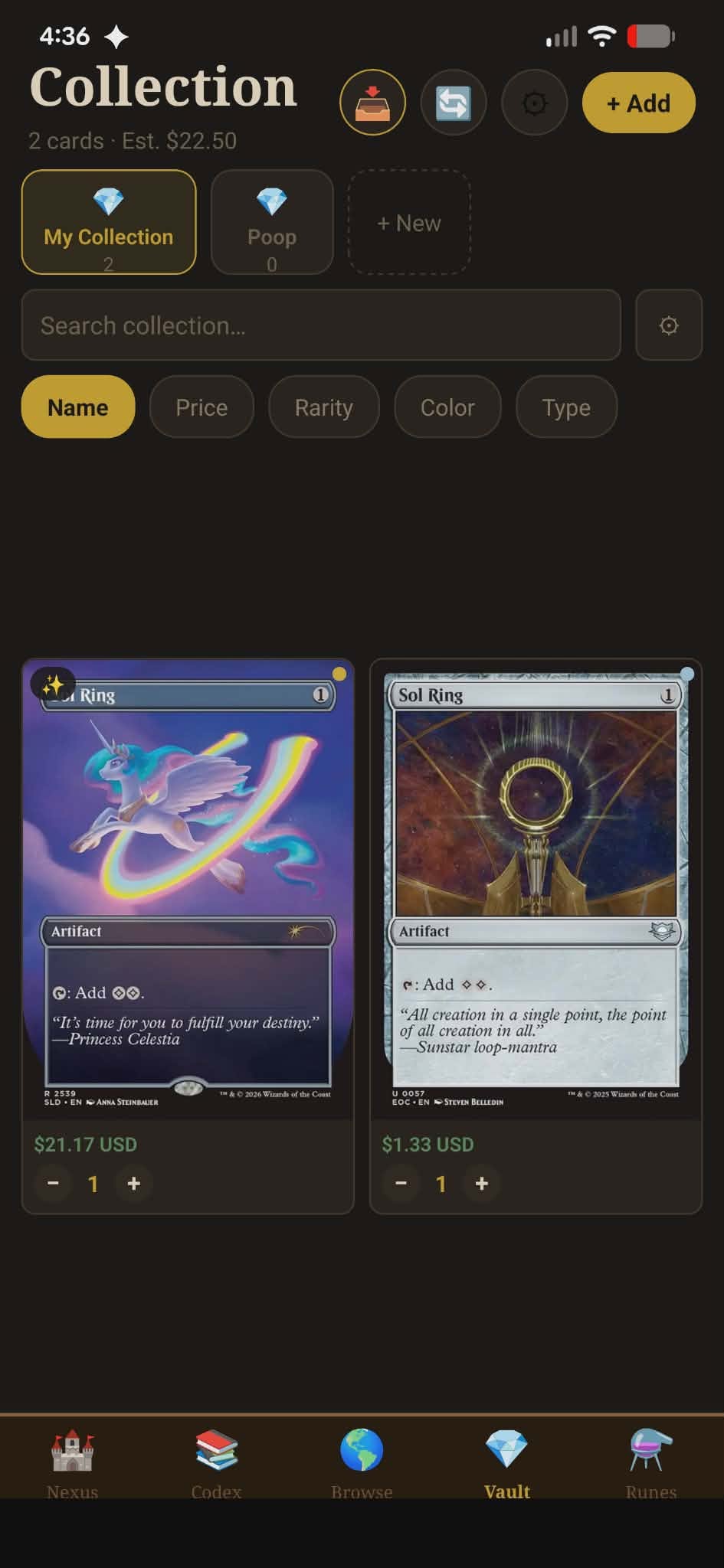
- Card search pulling from the local Scryfall mirror — fast results, full card data
- Deck builder with Commander format validation
- Collection tracking — mark cards you own, see what you still need
- Deck sharing — shareable links so you can show your list to your playgroup
- Both app and web versions synced to the same backend
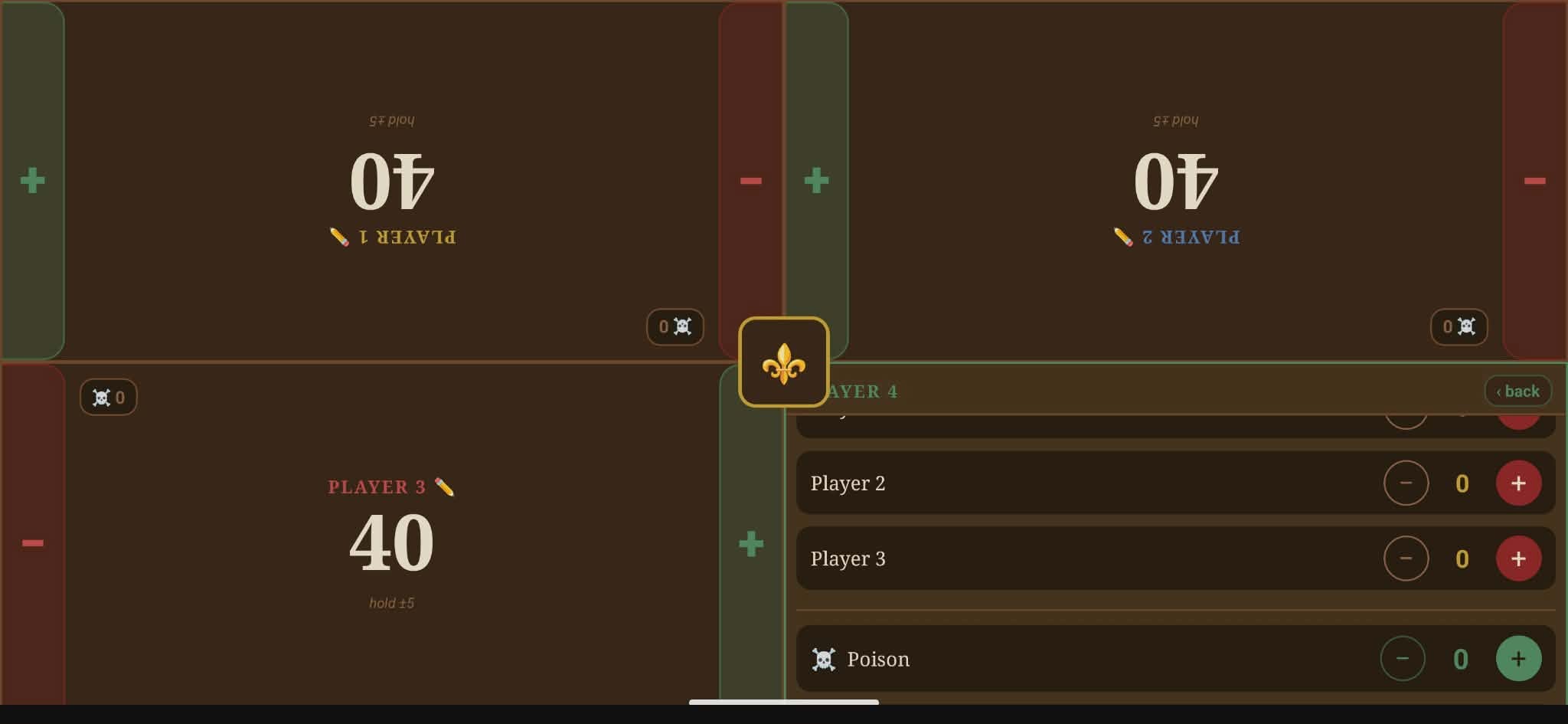
The Bigger Goals
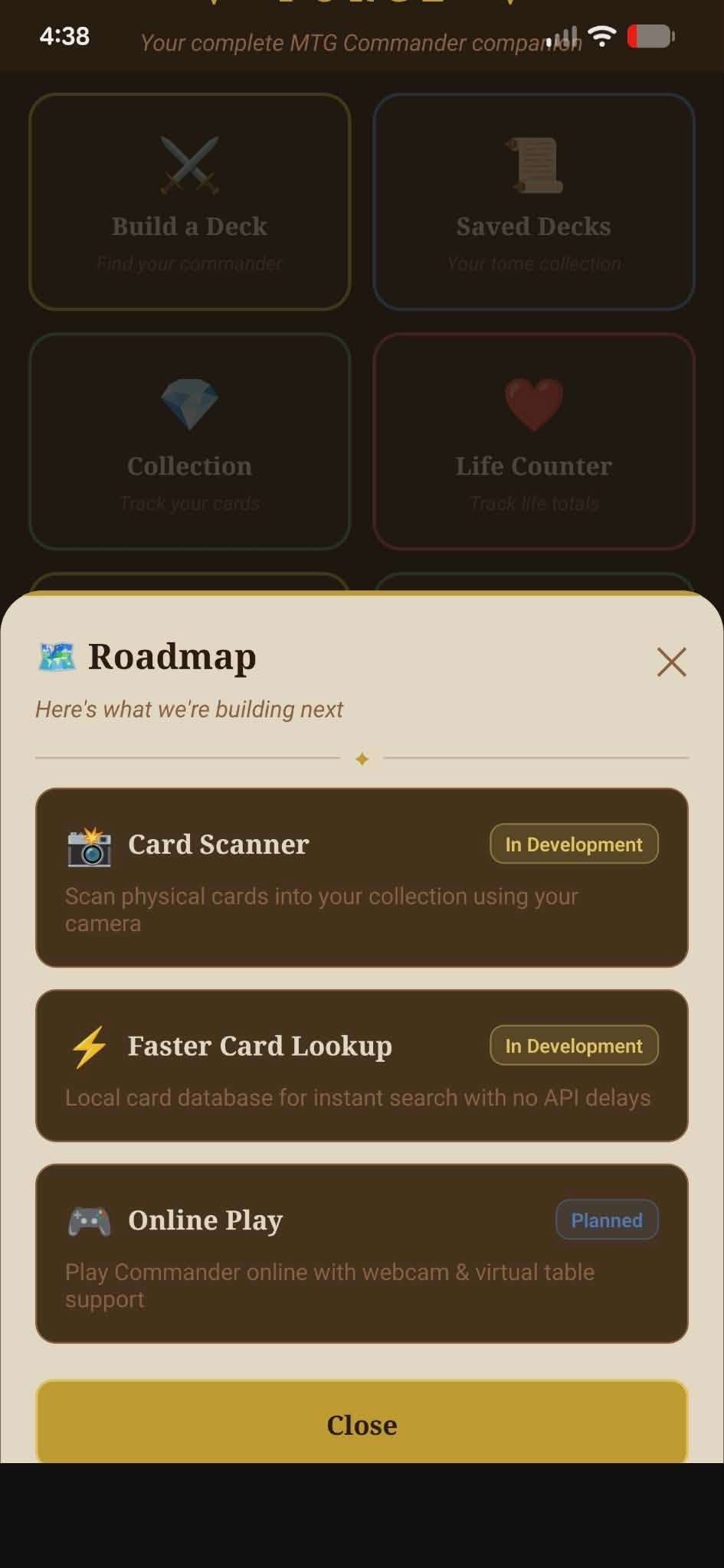
Here's where it gets ambitious. One of the things I want to eventually build is a way to actually play Commander online through Commander Forge — either over a webcam interface or through a built-in digital board. The idea is that you could connect with your playgroup from anywhere, see the table, track the game state, and play through the platform without needing a separate service.
That's a big lift. Real-time multiplayer, video streaming or integration, a game state engine that understands Commander rules — none of that is simple. But it's the kind of challenge that makes you learn things fast, and that's kind of the whole point of this project for me.
I also want to add features like price tracking (so you can see how much your deck is worth and get alerts when a card spikes), metagame analysis, and maybe some deck recommendation tooling based on your collection. One thing at a time.
Why I'm Sharing This Here
WebSmithsCS is my web design business — and Commander Forge is technically a separate project. But I'm sharing it here because it's part of the same story. Everything I'm learning building Commander Forge — databases, APIs, real-time systems, app/web architecture — directly makes me better at what I do for clients.
It's also just something I'm genuinely excited about. If you play Magic and you're interested in trying it out when it's further along, reach out. I'd love to have more people testing it.
I'll be posting updates here as the project moves forward. There's a lot still to build — and a lot still to learn.
Need a website for your project?
Whether it's a business, a side project, or something in between — I build hand-coded sites that actually work. Let's talk about what you need.
Get in Touch →